Cloud Captive Portal
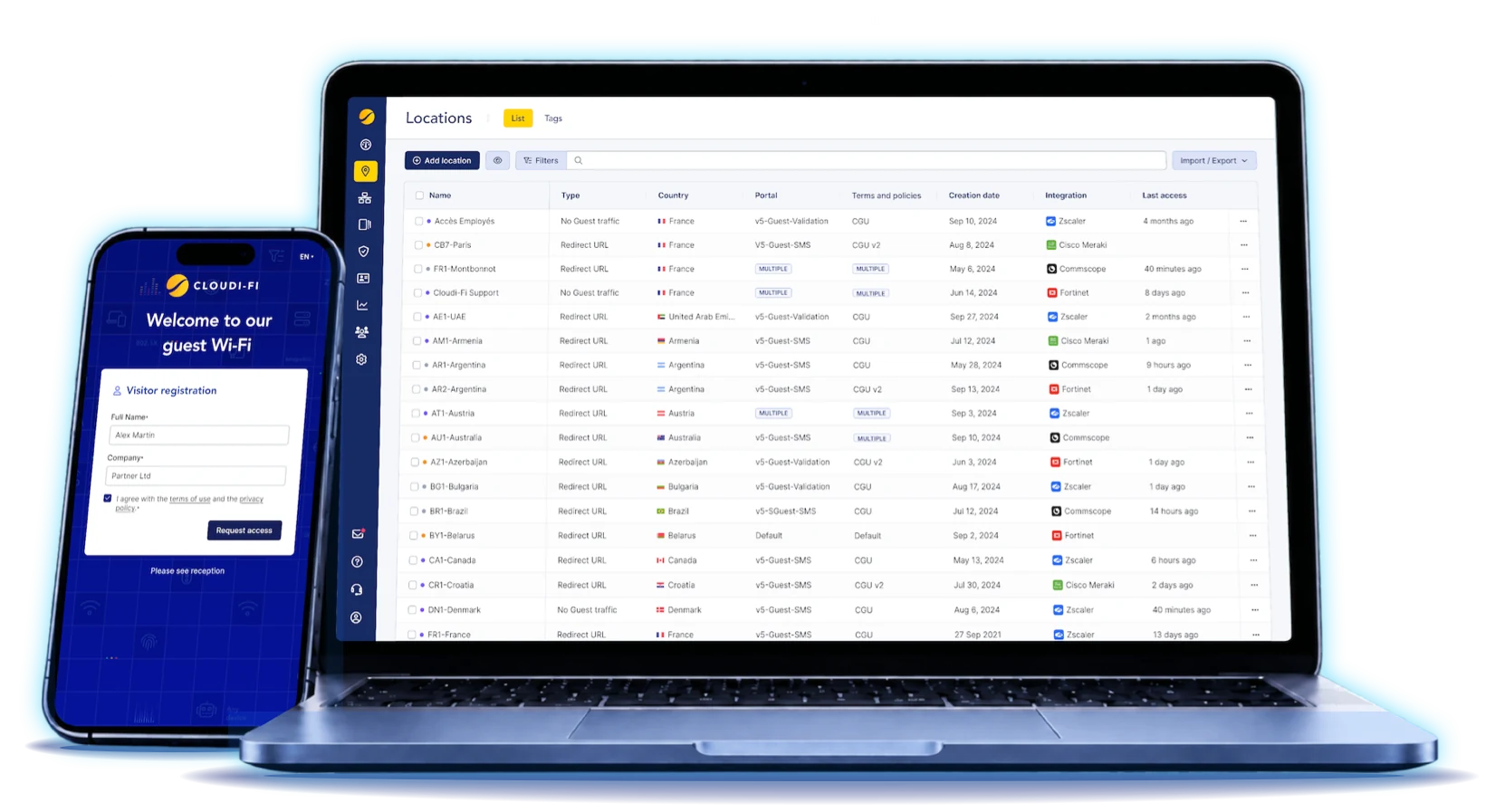
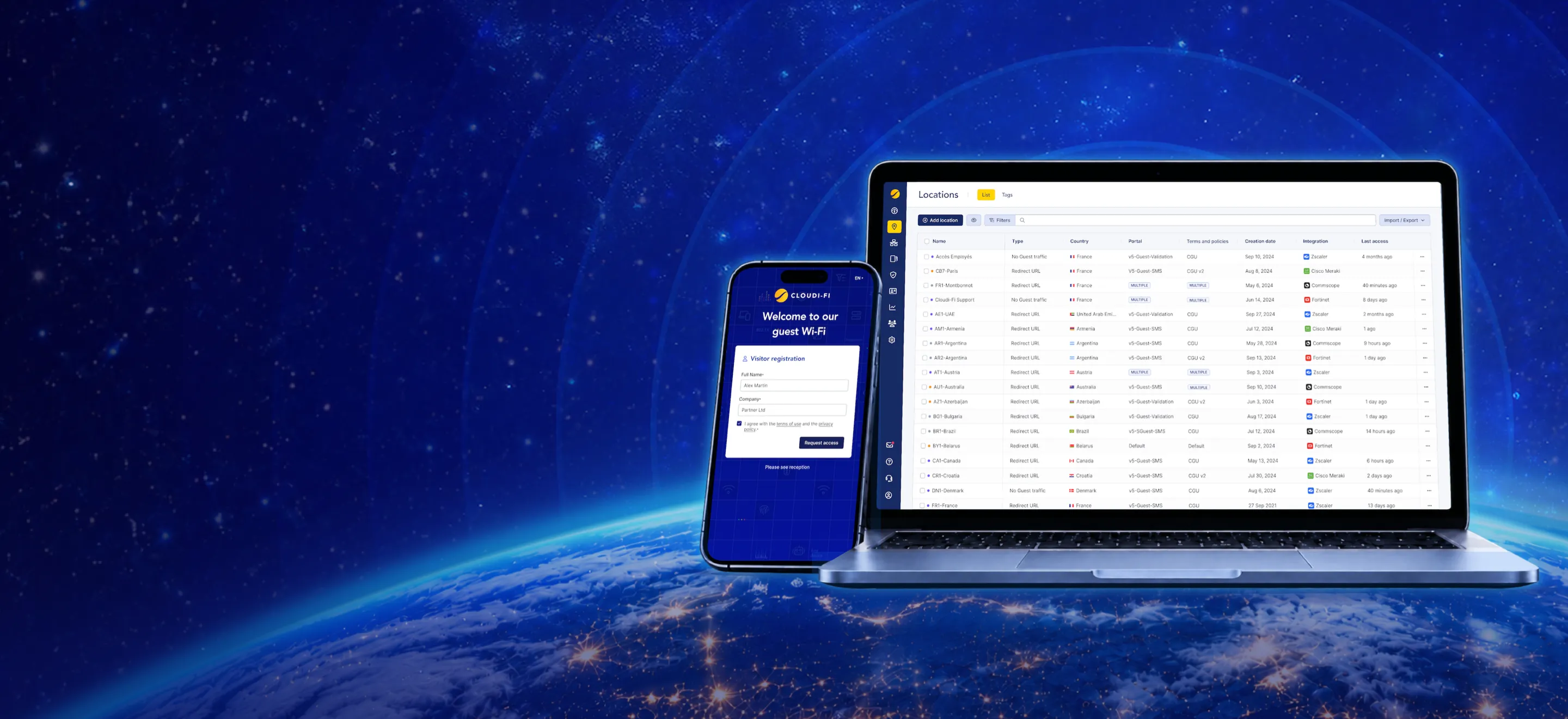
Cloudi-Fi’s cloud captive portal solution lets you authenticate guests and manage Wi-Fi access across all your sites from one console
Infrastructure-agnostic by design, it works with your existing access points and firewalls, with no additional on-site appliances. Offer branded sign-in with email, SMS, social login, sponsor approval, or corporate identity providers.
Last updated: 4th November 2026

Trusted by 200+ enterprises worldwide


Onboard all devices and users
Cloud-powered and infrastructure agnostic captive portal solution
Benefits
Cloud native and secure
100% cloud-based architecture enabling Zero Trust security deployment across multiple locations
One admin for all devices
Onboard and manage all devices with one single admin across all your locations
Easy to deploy and scalable
Easy to deploy with one or different infrastructure vendors thanks to being infrastructure agnostic
Compliant anywhere
Log storage in compliance with local regulations. Real-time logs, compliance-ready data retention.
Features
Rich authentication mechanisms
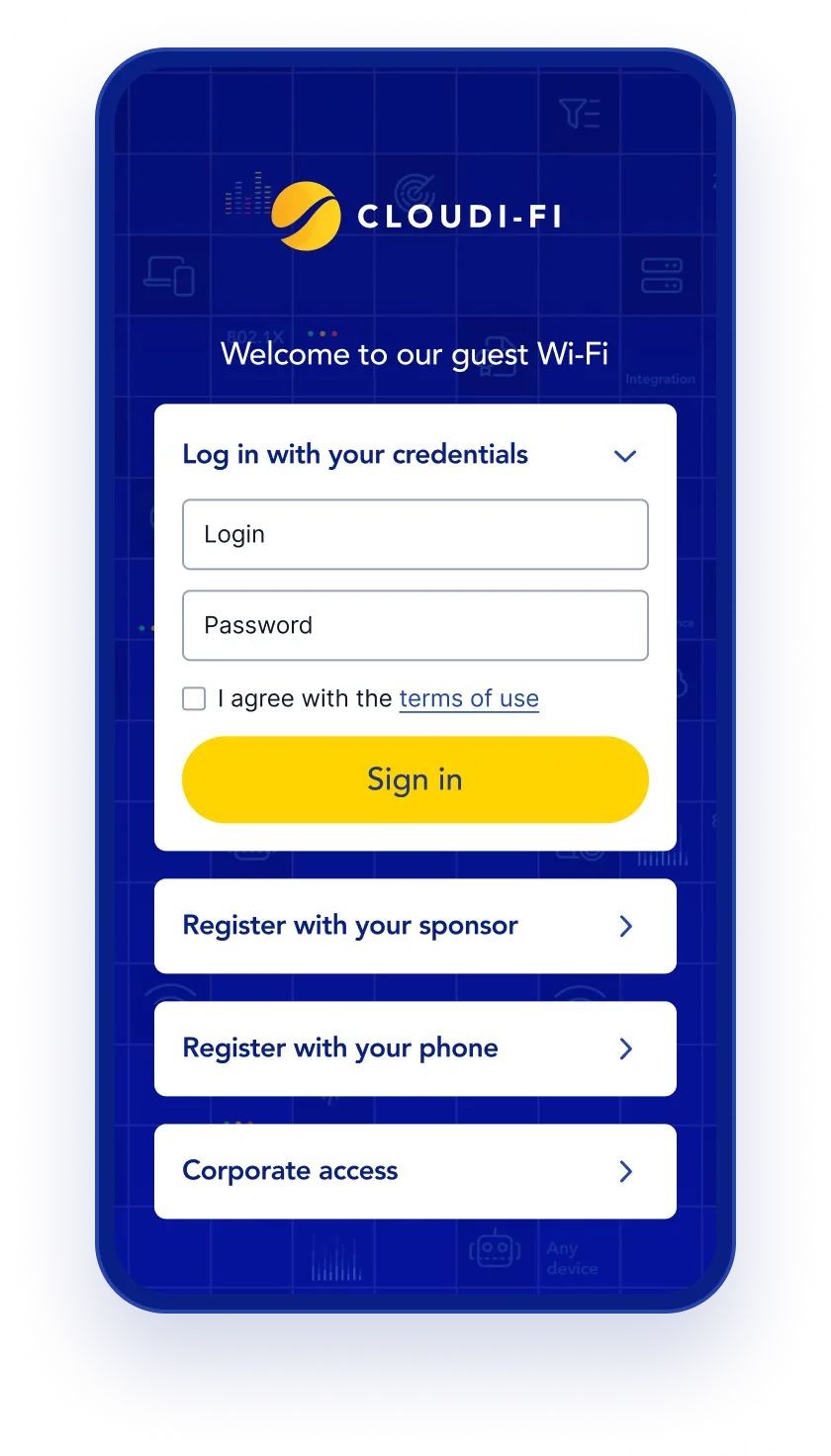
Flexible authentication methods available, including declarative email, social network login, sponsor approval, SAML integration, and SMS
Opt-in and data collection
Collect and store user contact data compliantly to power your marketing automation strategy
Marketing campaign engine
Cloudi-Fi's marketing platform enables businesses to bridge physical and digital promotions
Customizable
Tailored captive portal design, enhancing user engagement and digital communication across all brands

Infrastructure-agnostic by design: built for your existing stack
Cloudi-Fi has no hardware of its own. You connect your existing access points, controllers and firewalls, and the captive portal is served from the cloud. Step-by-step deployment guides cover nearly 20 network and security vendors.

Wi-Fi and network








Firewalls, SD-WAN and security clouds




Want to see it running on your own vendor?
Request a demoDeploy your captive portal in three easy steps
Authenticate guests, BYOD, and employees across every site, with no on-site hardware to maintain
Define your portal
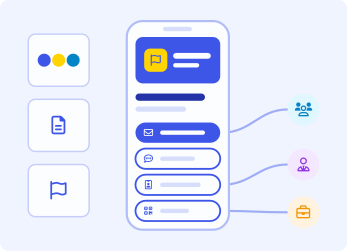
Share your brand assets or let the Cloudi-Fi team propose a design, then choose the sign-in methods for each user group.
Add your locations
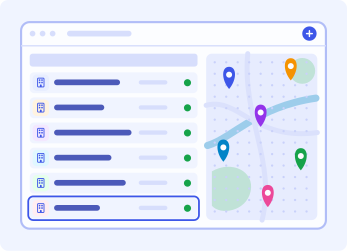
Create each site where users connect. Every site is managed from the same console.
Connect your infrastructure
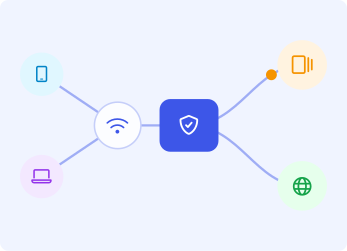
Configure your network or security platform to redirect users who haven’t signed in yet to the portal.
Your captive portal, managed from the cloud
Authenticate guests, BYOD, and employees across every site, with no on-site hardware to maintain

Six ways to sign in on one captive portal
Give each user group the sign-in method that fits it, from visitors to contractors.
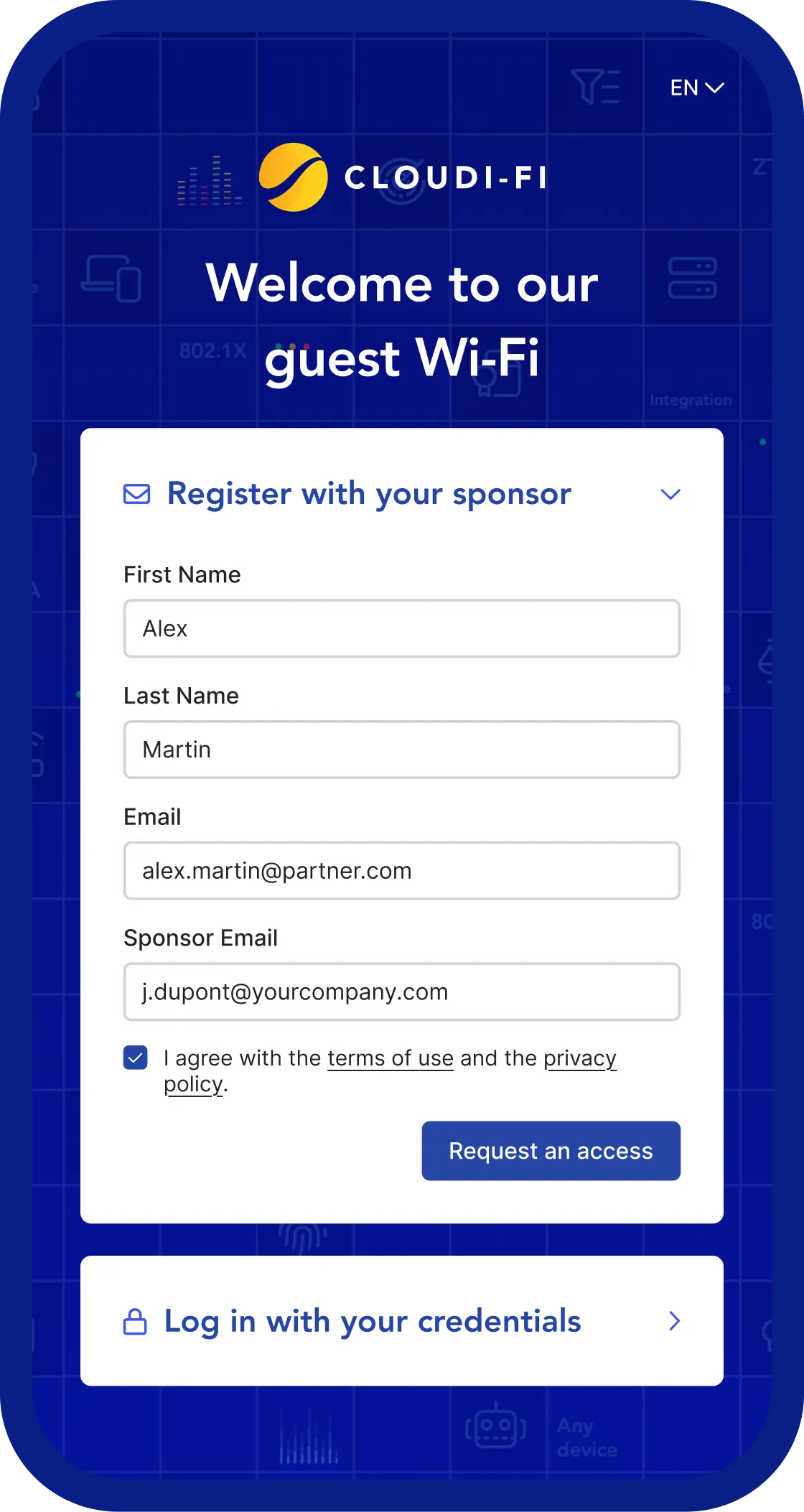
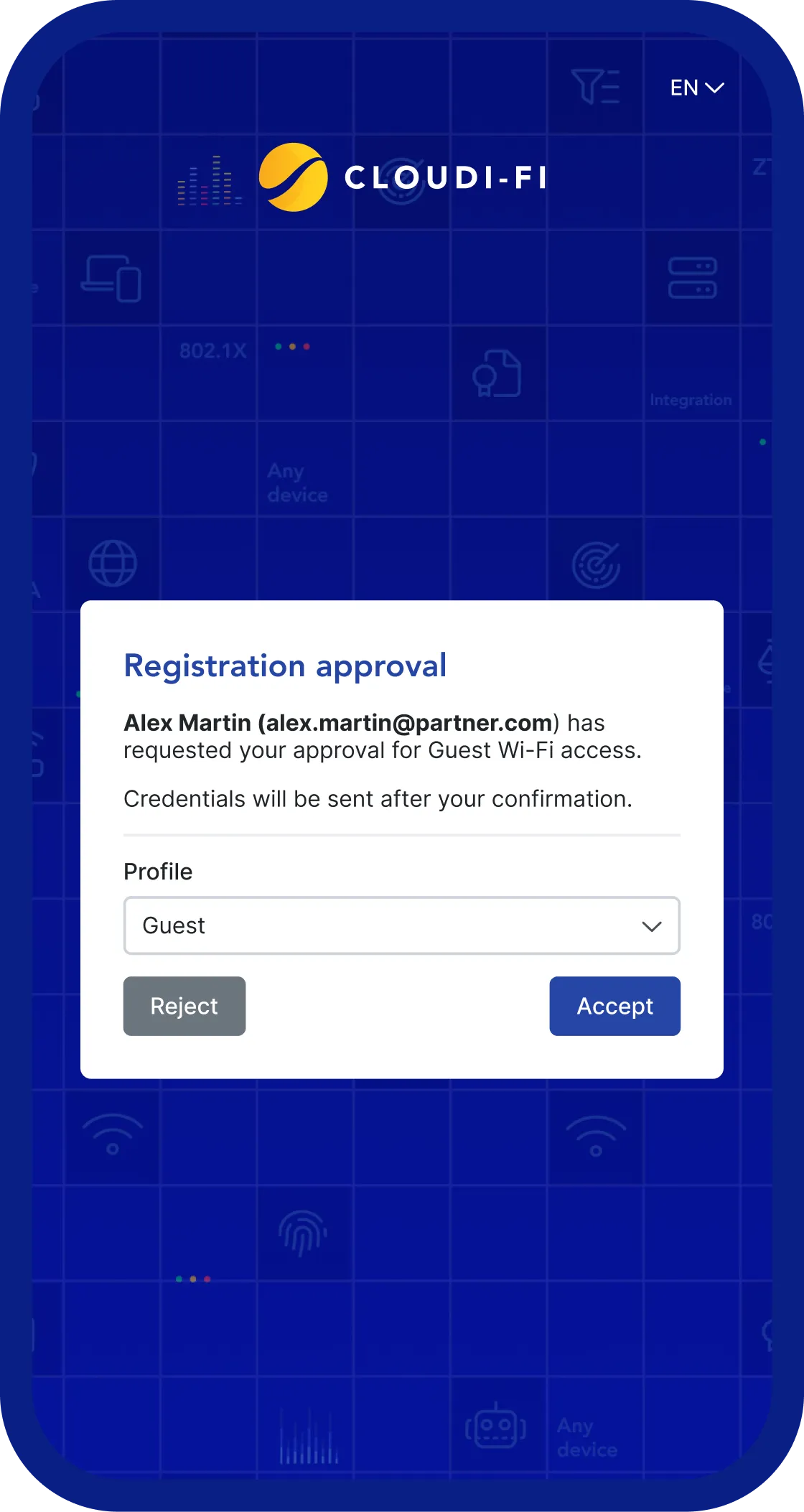
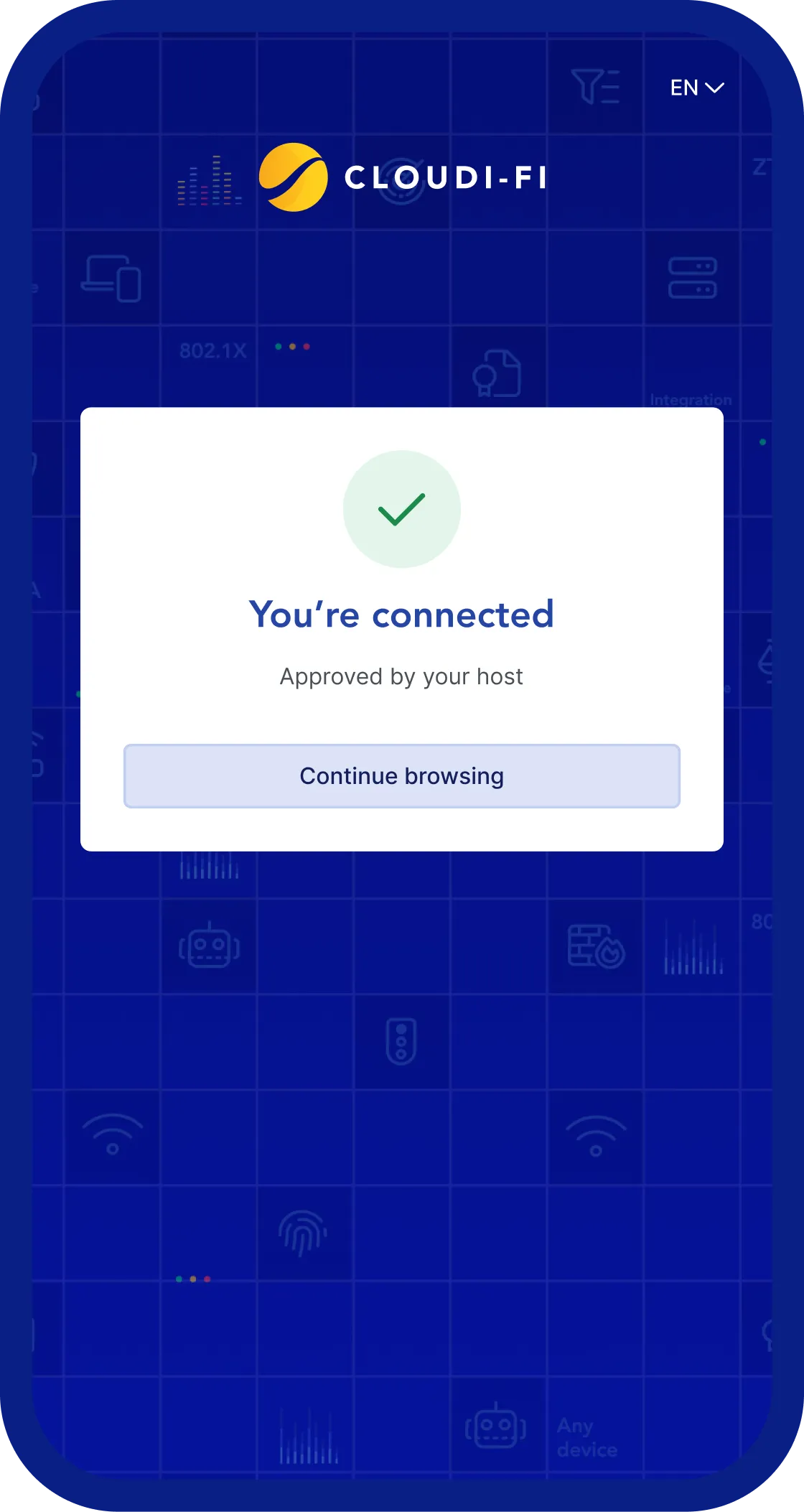
Sponsored guest
Access opens only after an employee approves the request, so every visitor is vouched for.
Best for: visitors and contractors
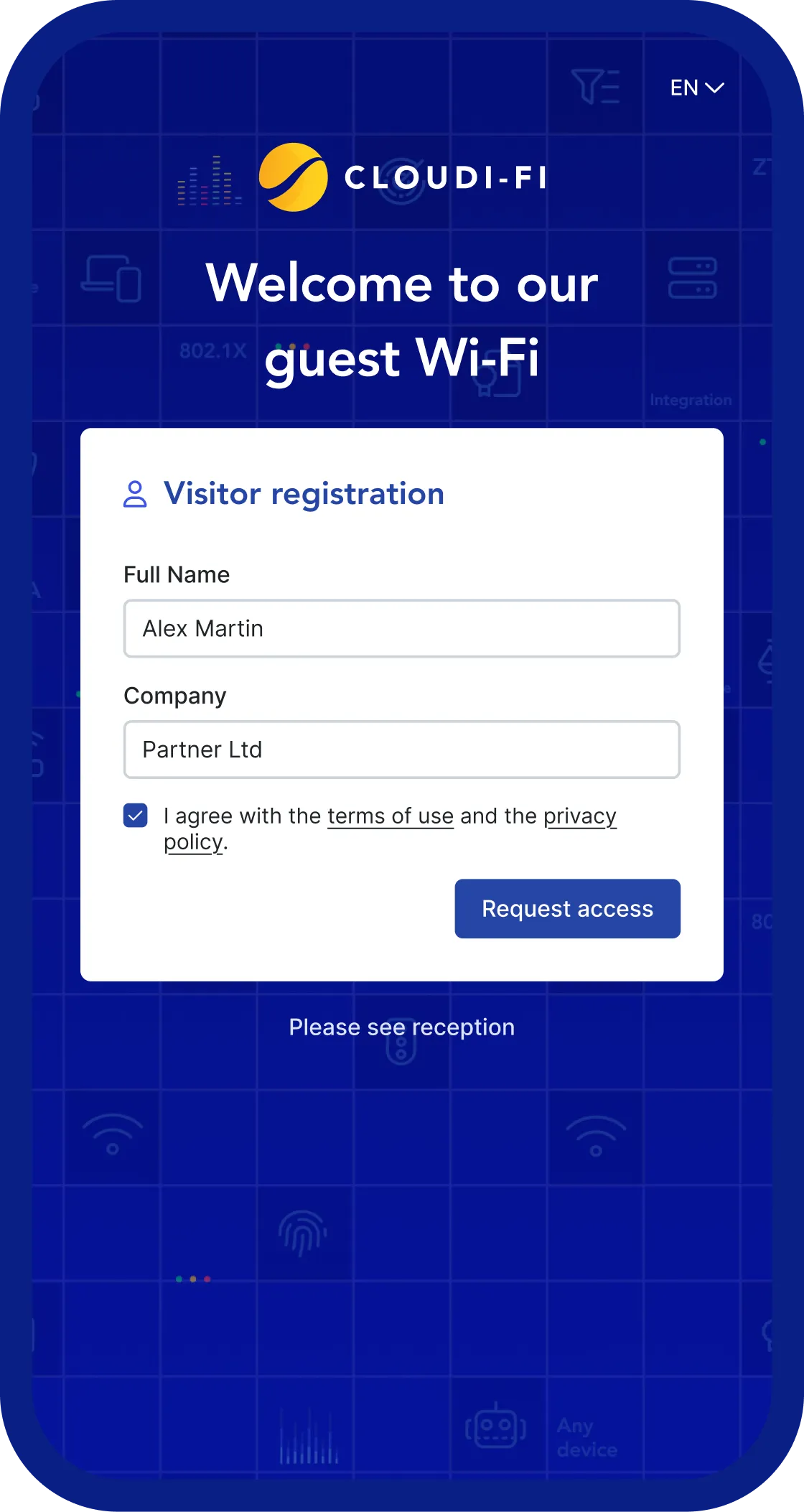
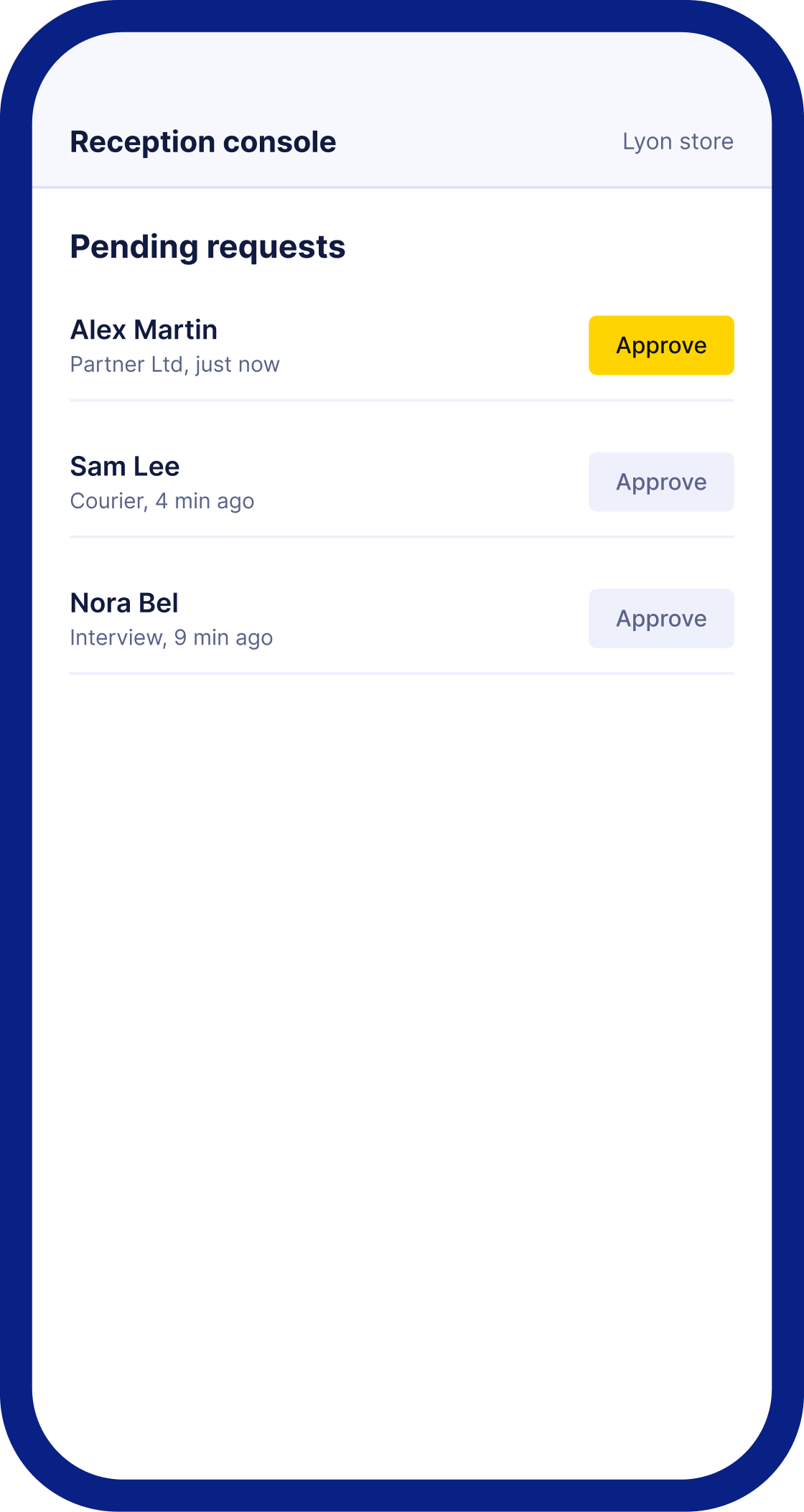
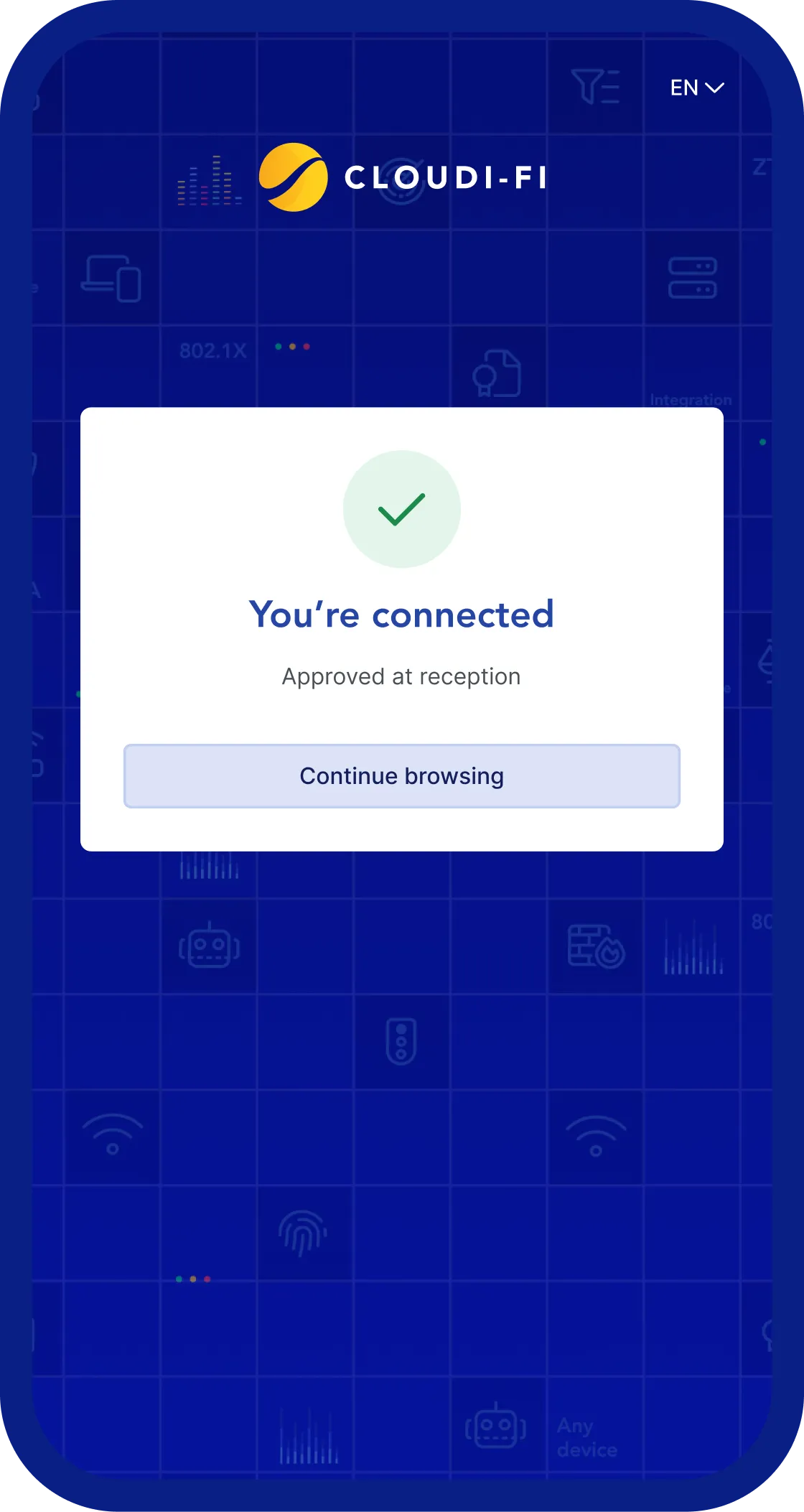
Lobby approval
Reception staff approve each request in person from the lobby console.
Best for: front desks and reception areas
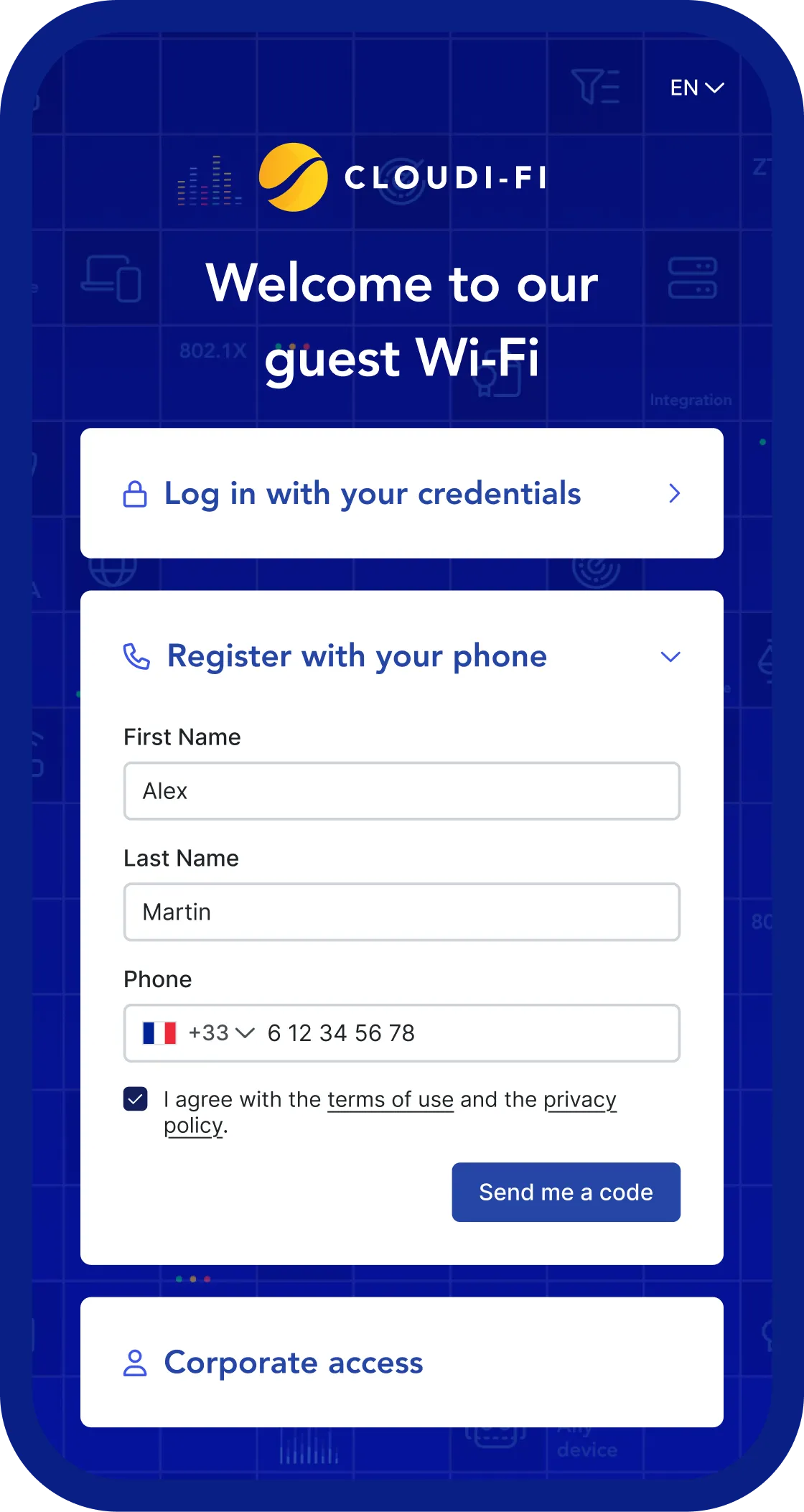
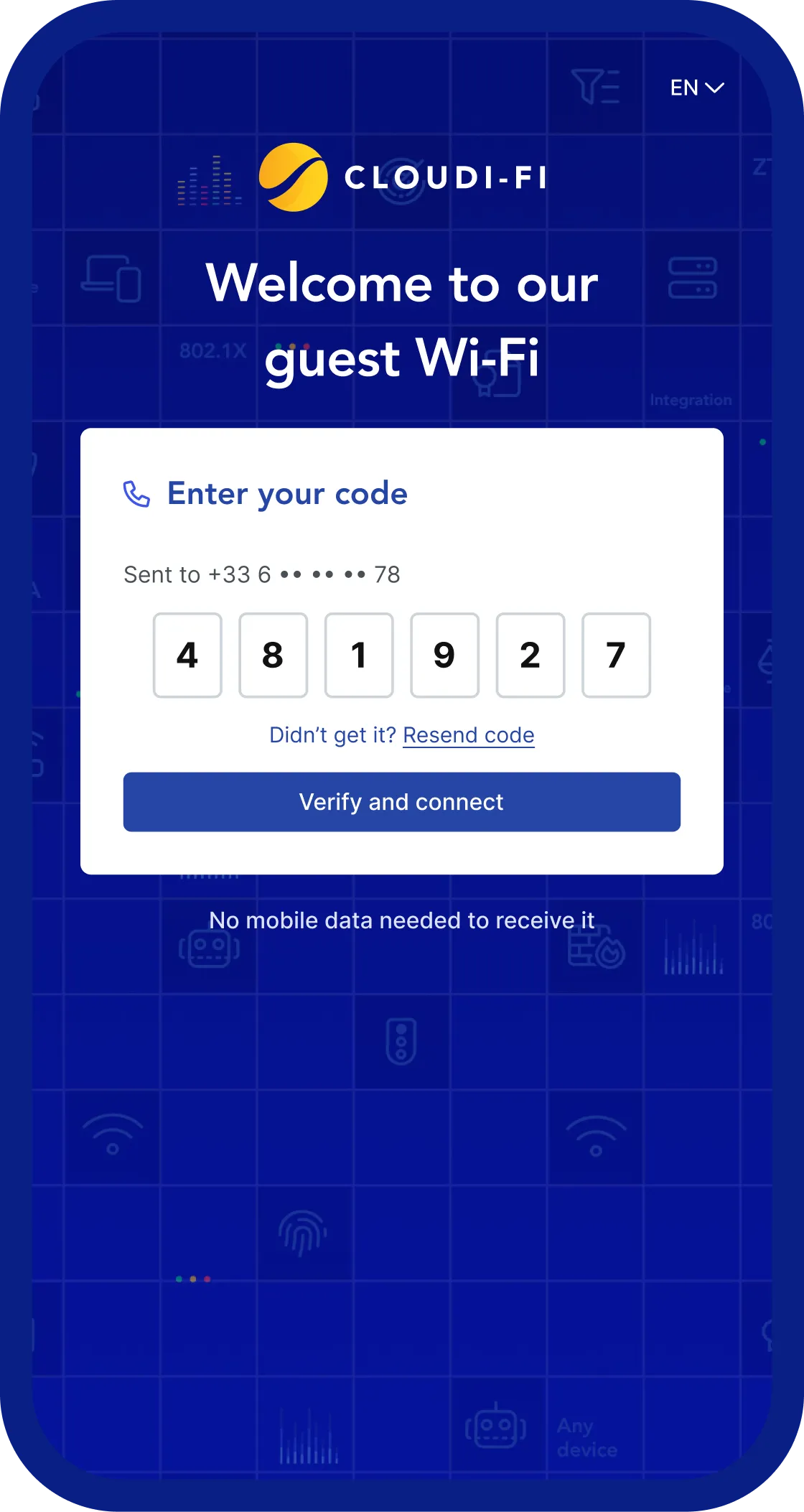
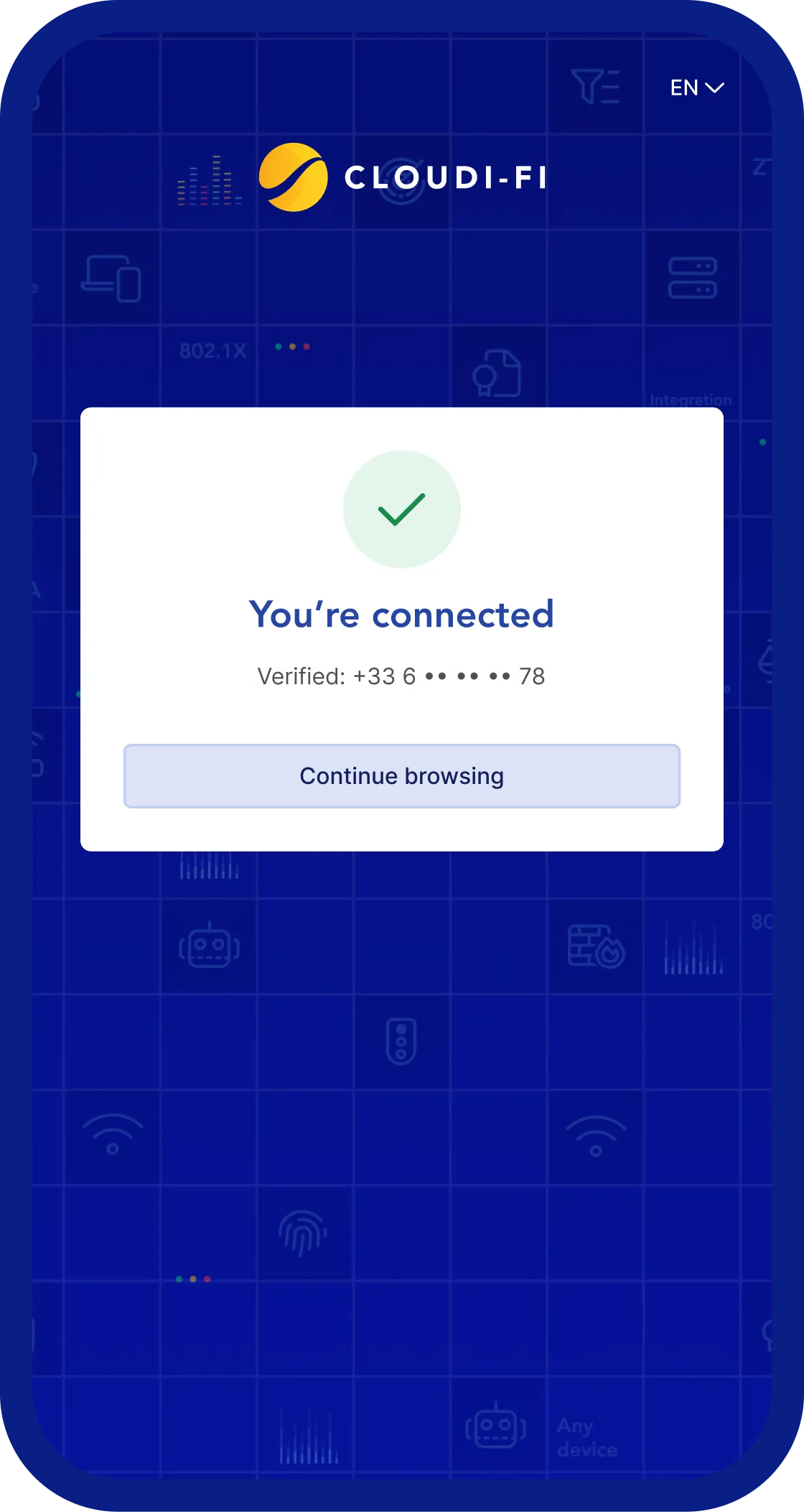
SMS
Users verify their phone number with a one-time code, which arrives even without mobile data.
Best for: public venues that need a verified identity
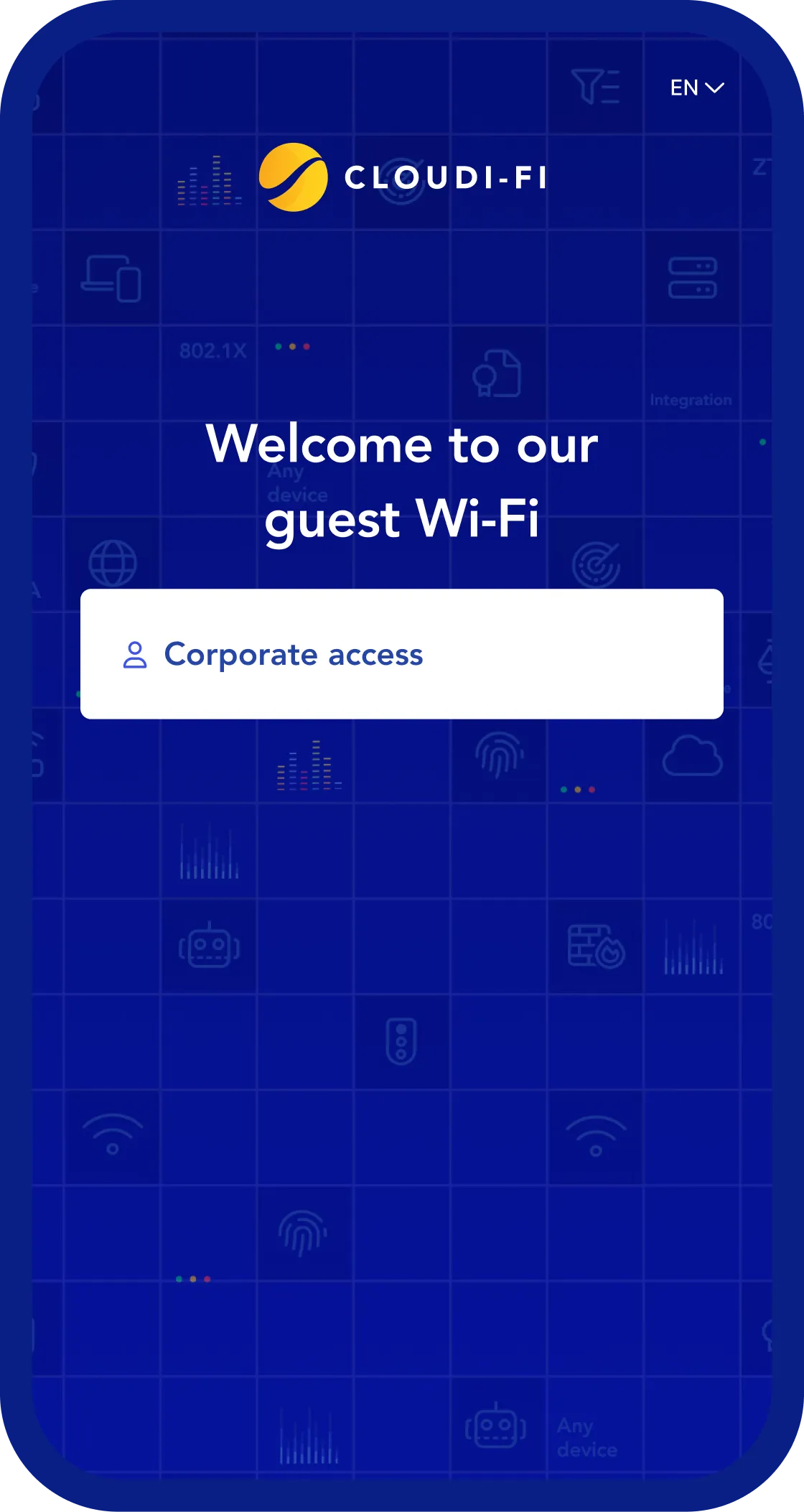
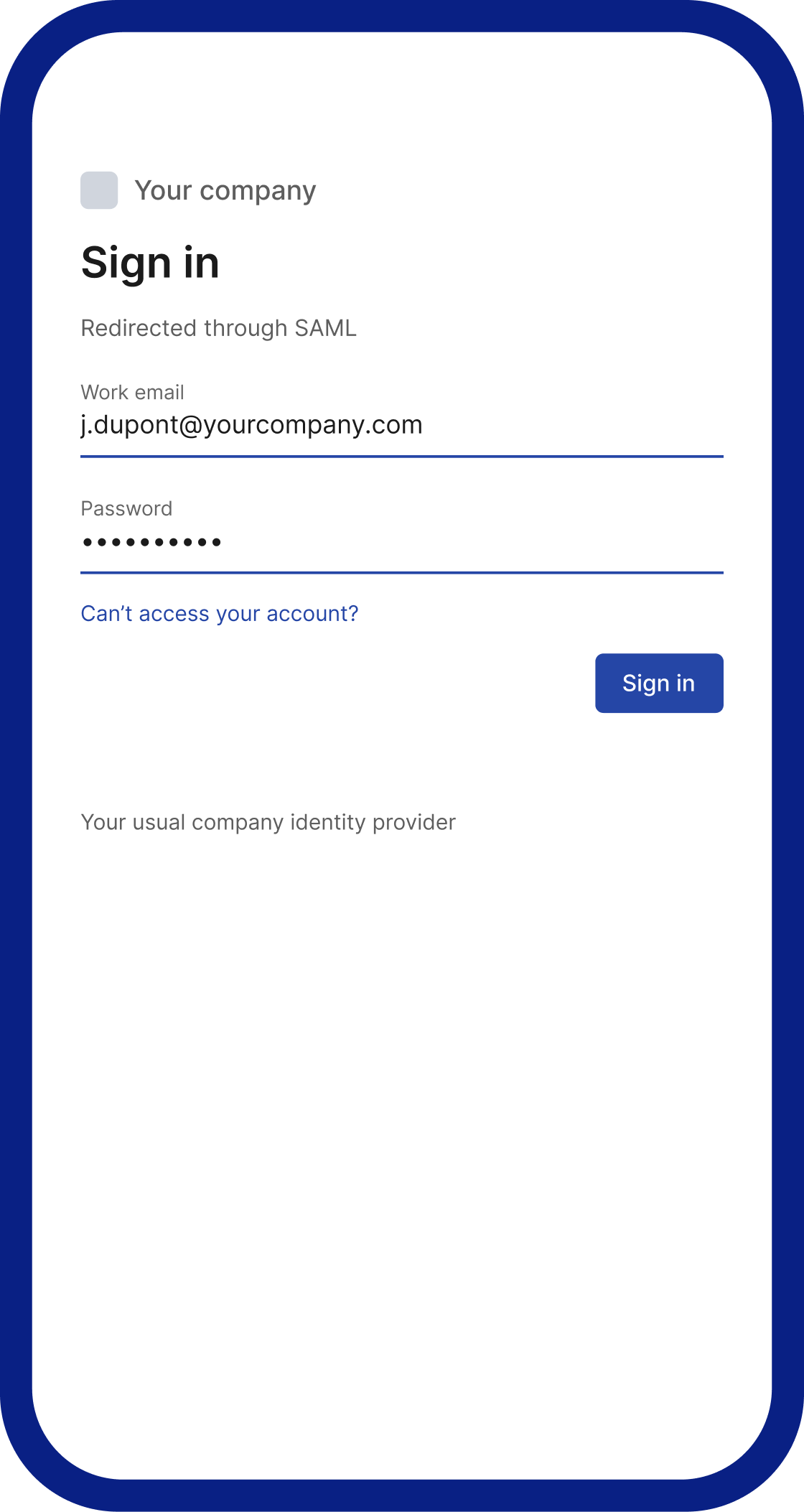
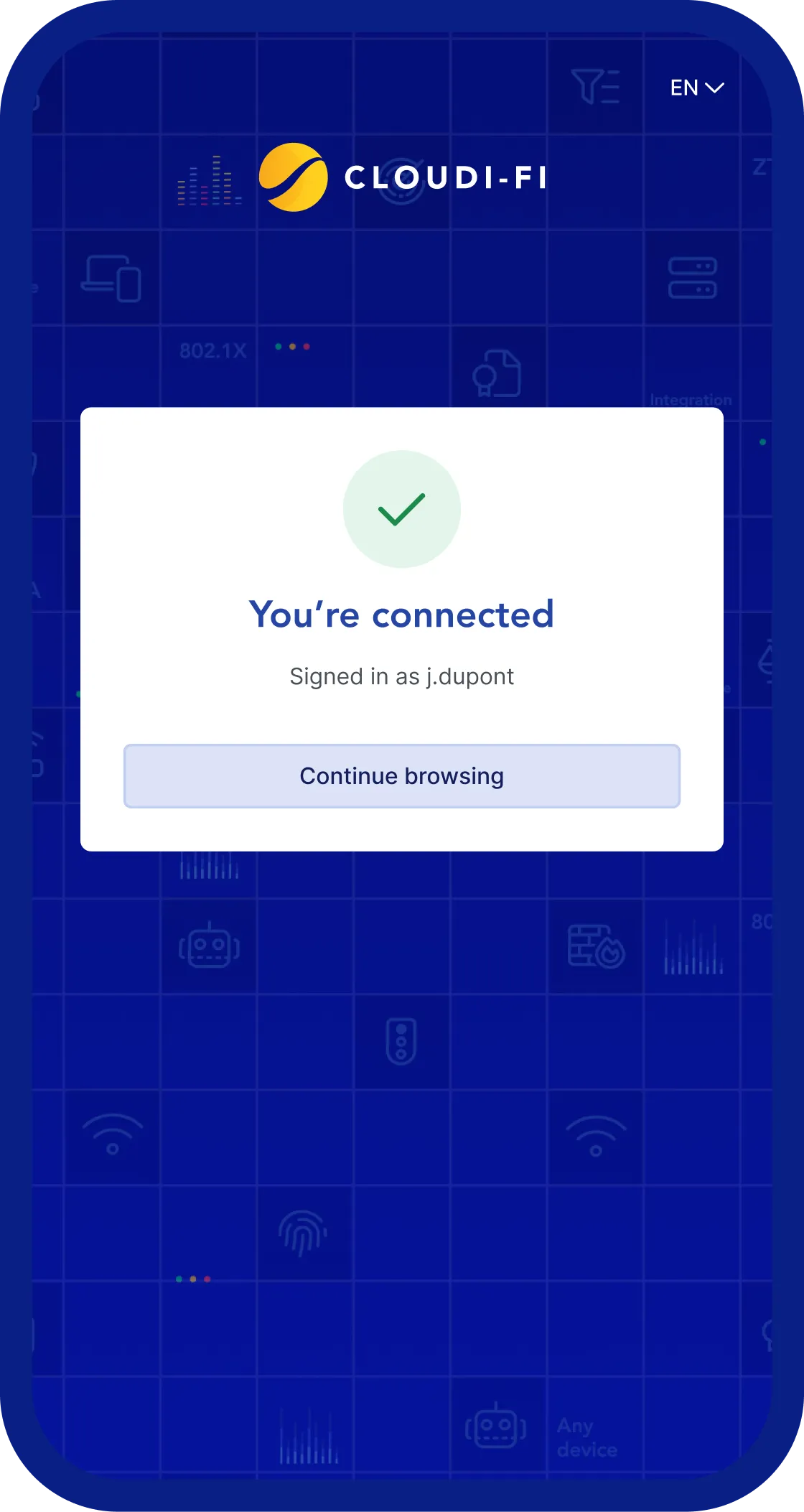
Single sign-on (SSO)
Users tap Corporate access and sign in through your identity provider with SAML.
Best for: BYOD devices and contractors
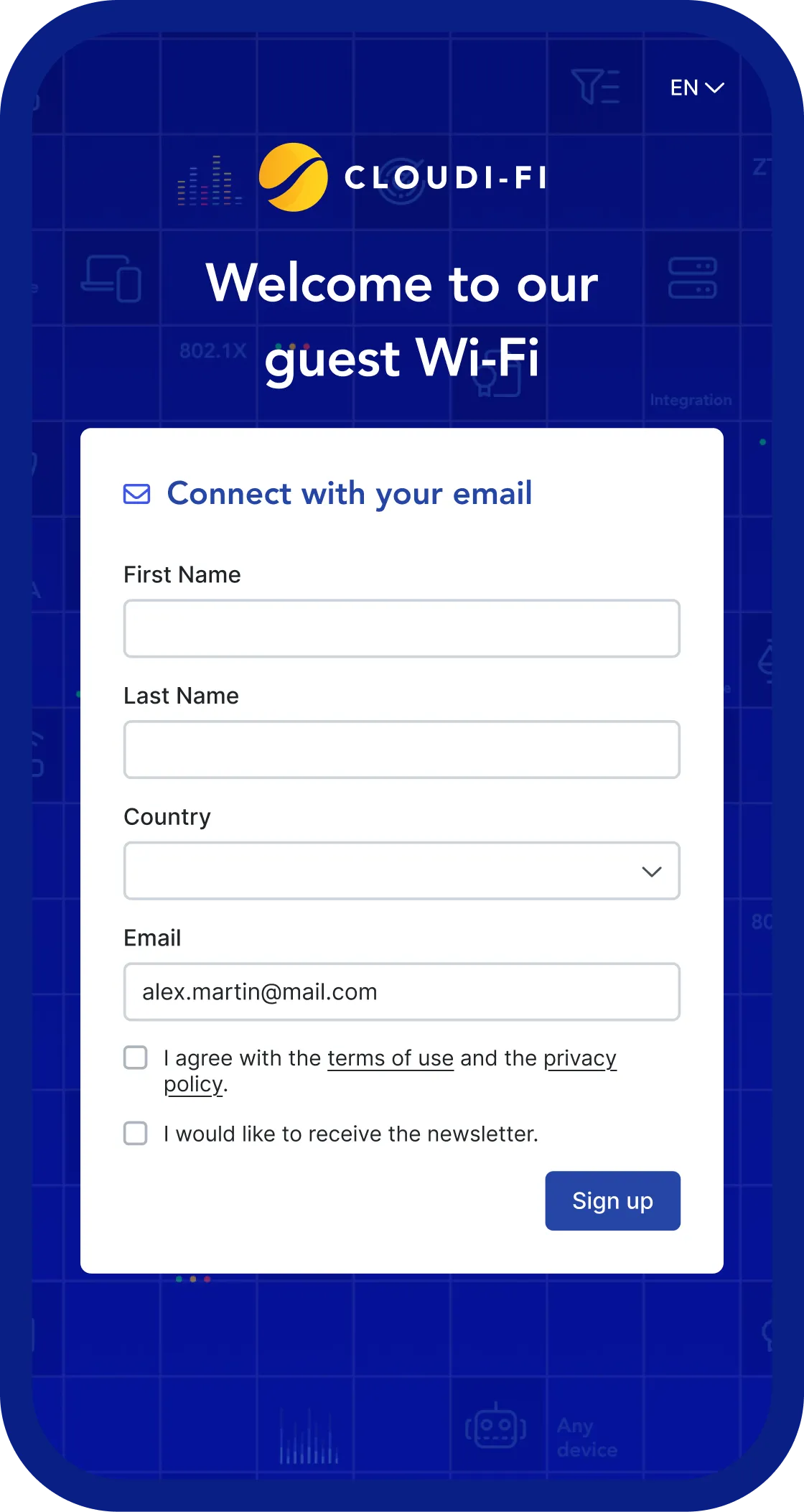
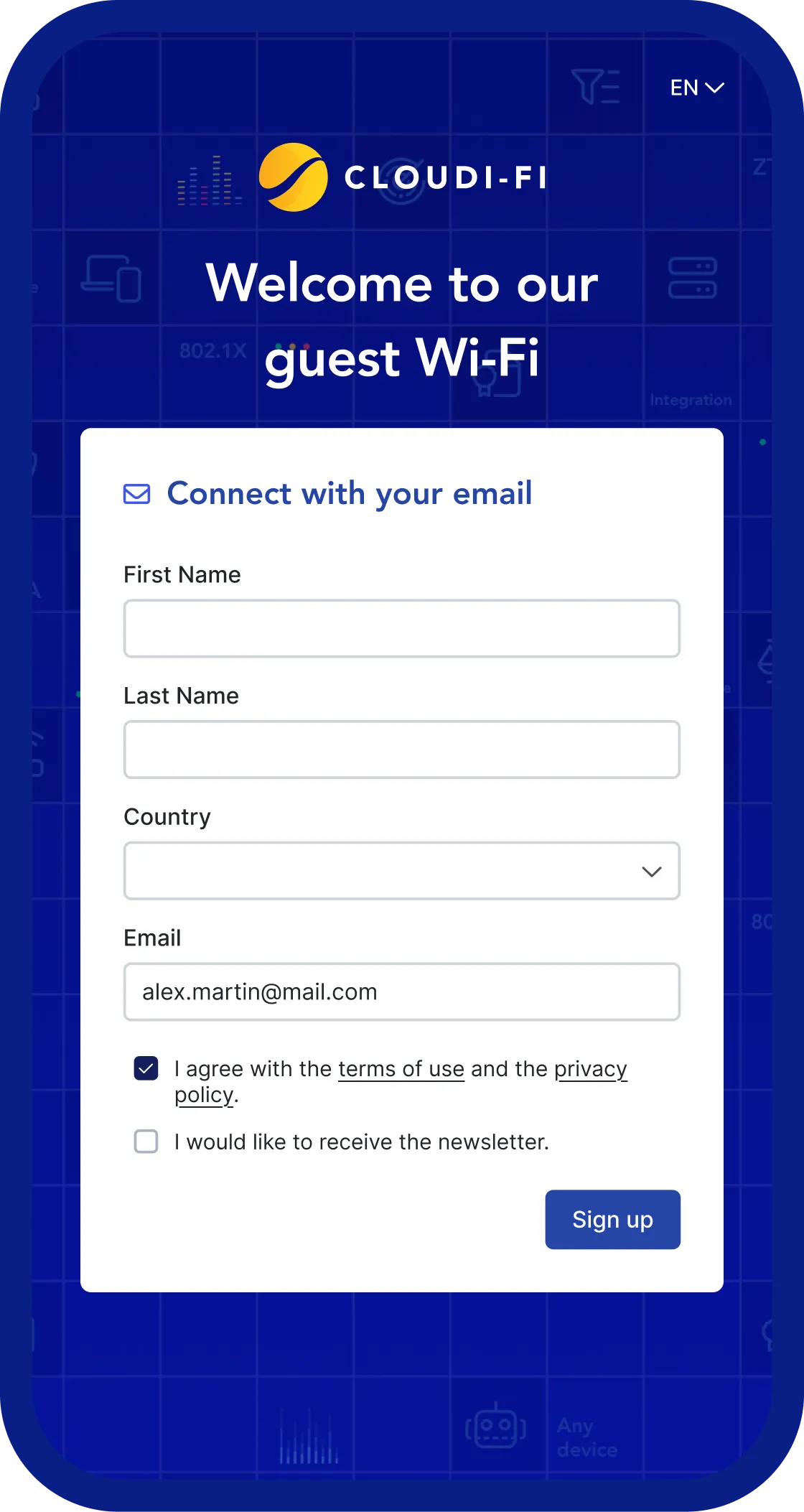
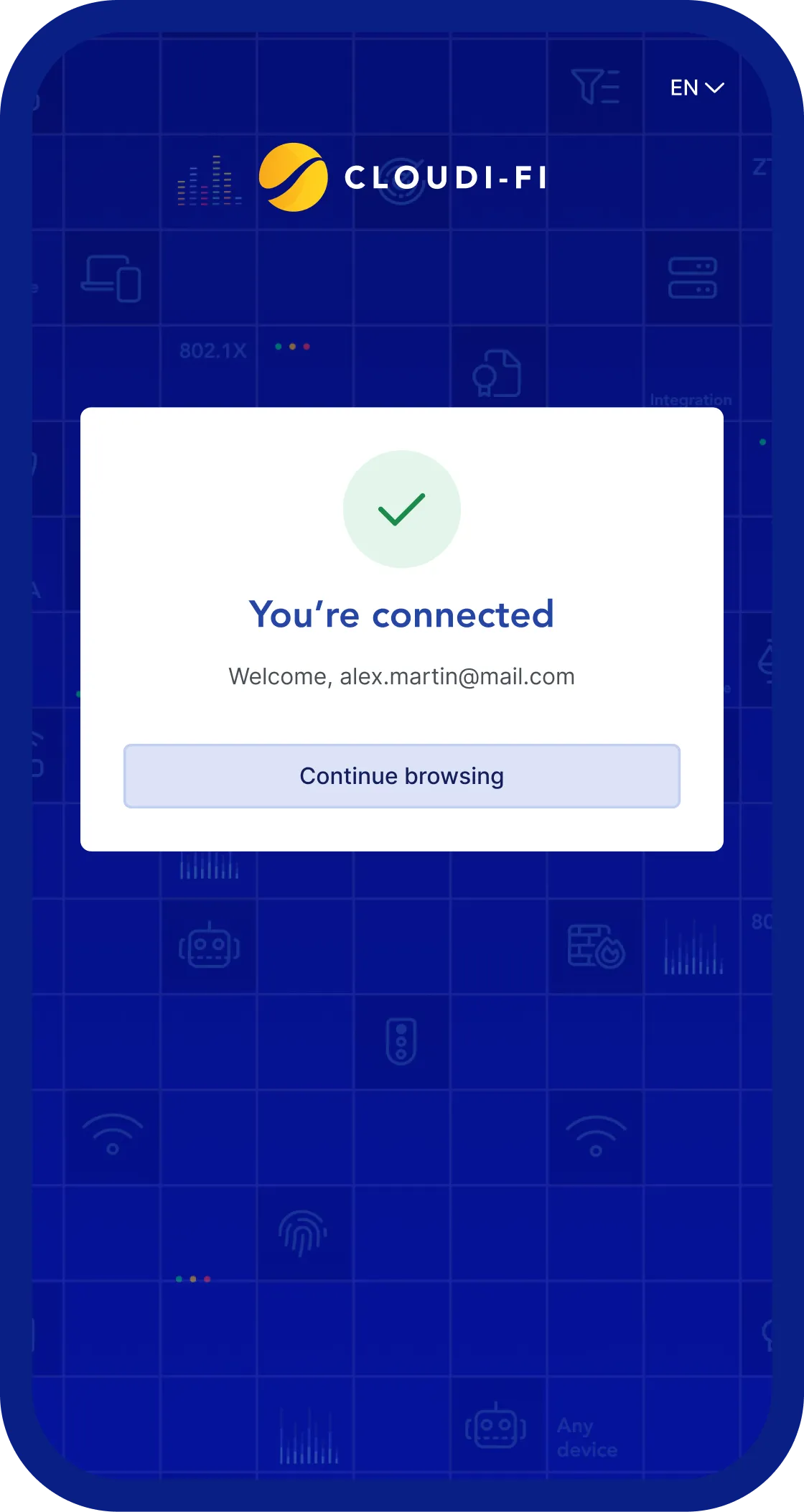
Users get online by entering their email address, with optional consent to marketing.
Best for: retail, hospitality and fast onboarding
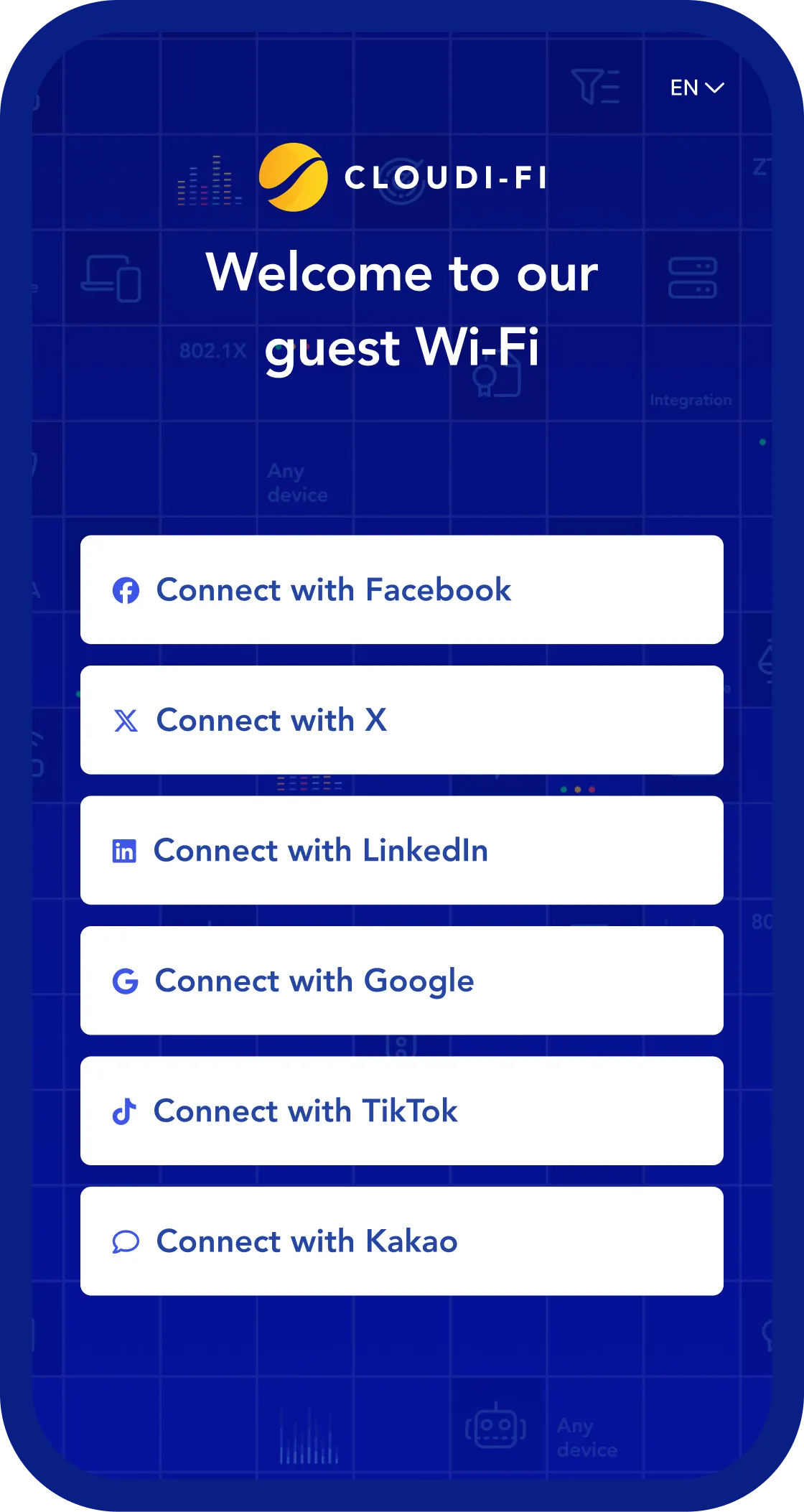

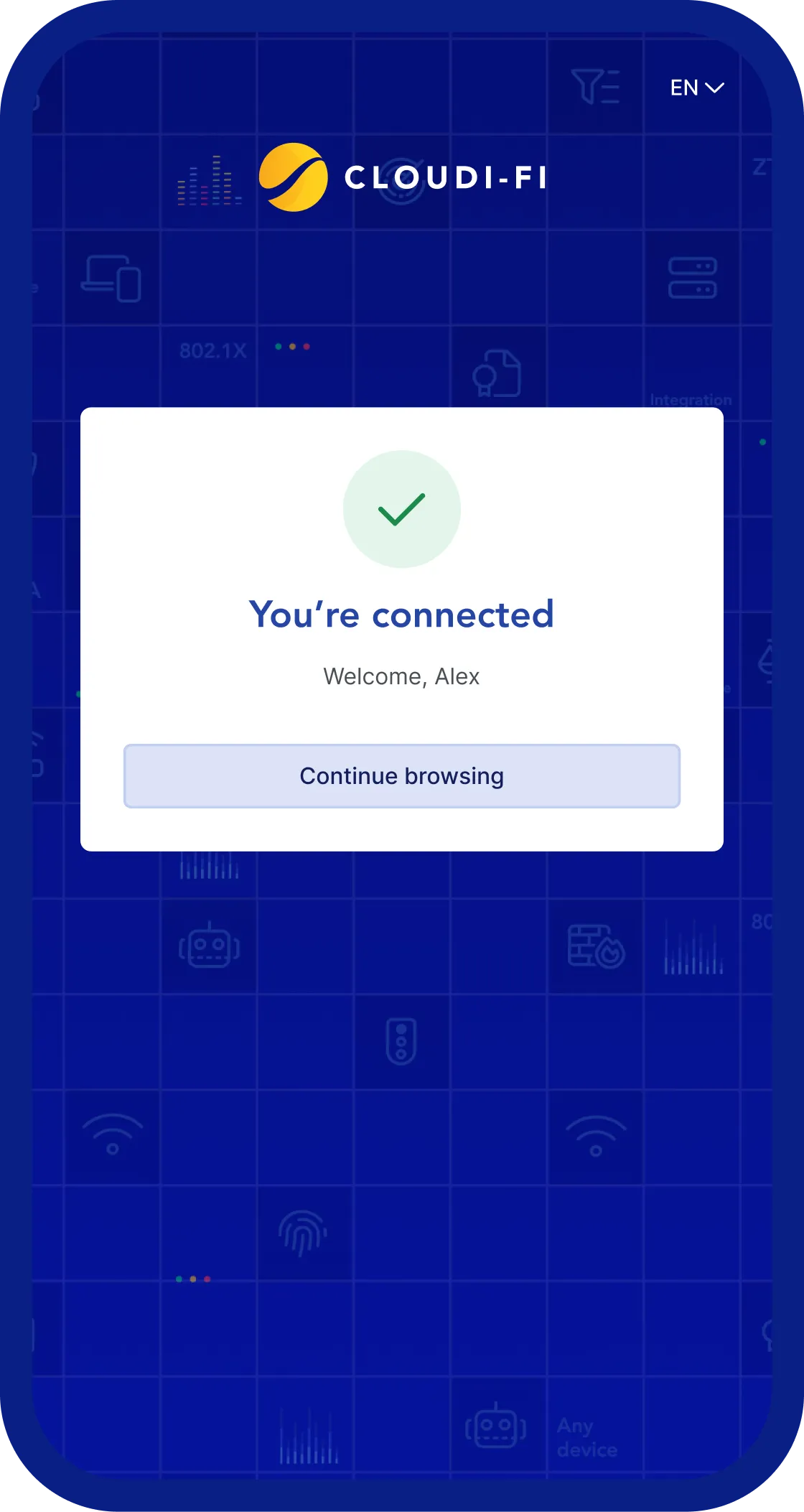
Social login
Users register in a tap with LinkedIn, Facebook or X, and their profile fills in the form.
Best for: events and consumer venues
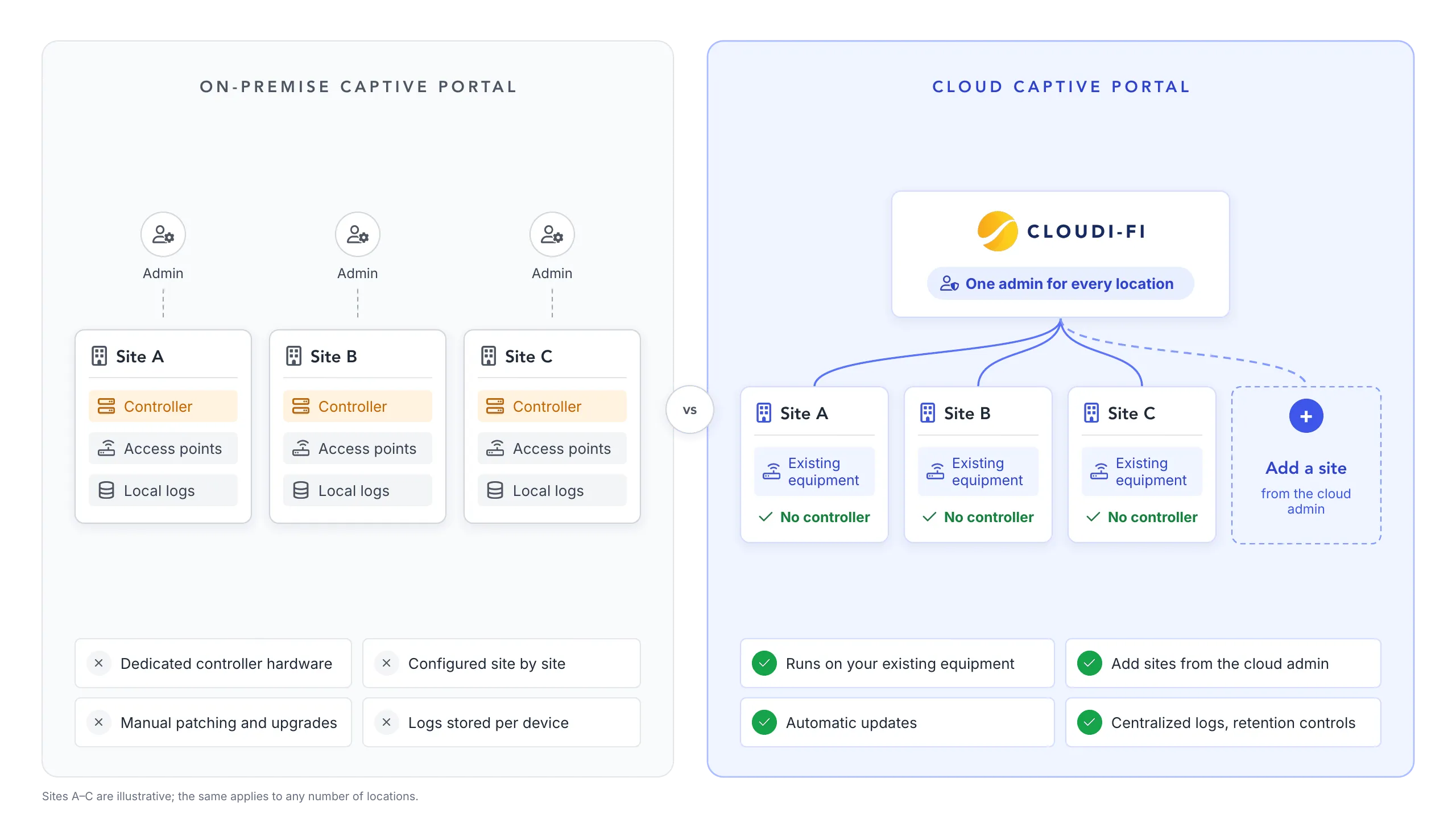
Cloud captive portal vs on-premise NAC and built-in vendor portals
Most organisations already have a guest portal option: an on-premise network access control (NAC) platform, or the portal built into their Wi-Fi vendor’s cloud. Here is how they compare.
| Compare | On-premise NACAppliances or VMs you run | Built-in Wi-Fi vendor portalIncluded with your Wi-Fi vendor |  Cloud captive portalOne portal for every site and vendor |
|---|---|---|---|
| Where it runs | On-premise NACAppliances or virtual machines in your data centre | Built-in Wi-Fi vendor portalYour Wi-Fi vendor’s cloud or controller | Cloudi-Fi cloud captive portalIn the cloud, shared by every site |
| Mixed vendors | On-premise NACMulti-vendor, with integration work for each vendor | Built-in Wi-Fi vendor portalThat vendor’s equipment only | Cloudi-Fi cloud captive portalOne portal across nearly 20 network and security vendors |
| Infrastructure to run | On-premise NACNodes to size, patch, upgrade and keep highly available | Built-in Wi-Fi vendor portalNone beyond the vendor’s equipment | Cloudi-Fi cloud captive portalNone |
| Guest sign-in methods | On-premise NACExtensive, configured and maintained by your team | Built-in Wi-Fi vendor portalVaries by vendor and licence | Cloudi-Fi cloud captive portalSix methods, combined per user group |
| Identity to your security cloud | On-premise NACThrough integrations you configure and maintain | Built-in Wi-Fi vendor portalVaries by vendor | Cloudi-Fi cloud captive portalUser and group passed to your security cloud at sign-in |
| Access logs and retention | On-premise NACOn your appliances, retention managed by your team | Built-in Wi-Fi vendor portalIn the vendor dashboard, retention set by the vendor and licence | Cloudi-Fi cloud captive portalCentralised, with retention set per country |
| Multi-site administration | On-premise NACCentral, with more nodes as you grow | Built-in Wi-Fi vendor portalOne dashboard per vendor in a mixed estate | Cloudi-Fi cloud captive portalOne console for every site and vendor |
| Cost model | On-premise NACAppliance or VM licences, plus support contracts | Built-in Wi-Fi vendor portalOften included in the vendor licence | Cloudi-Fi cloud captive portalSubscription, with no hardware to buy |
| Request a demo | |||
More than just a captive portal solution
Cover managed devices and IoT without a screen from the same console.
Cloud-ready 802.1X
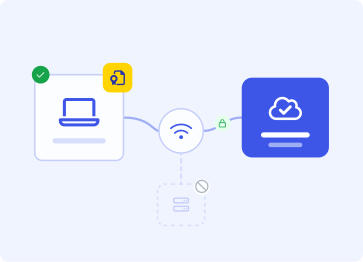
Authenticate managed corporate devices silently with certificates, from the same console as the portal. No local RADIUS servers needed.
Learn more about cloud 802.1X →Compliance
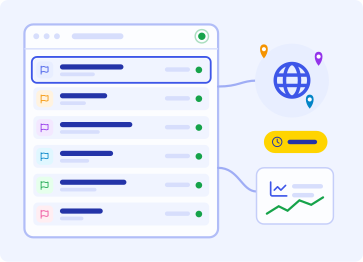
Log storage in compliance with local regulations in over 70 countries. Real-time logs, compliance-ready data retention, SIEM integration.
Learn more about compliance →IoT discovery
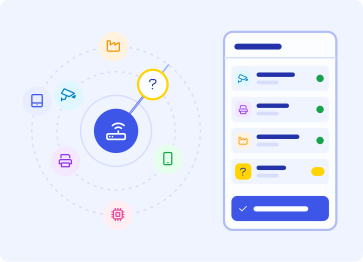
See every device on your network and manage IoT, OT and BYOD devices to reduce shadow IT risk. Devices without a screen can be onboarded securely too.
Learn more about IoT discovery →Captive portals for every industry
How organisations use Cloudi-Fi to onboard guests, staff and devices on their Wi-Fi.
Hospitality
Give hotel guests branded Wi-Fi access in a few taps, and collect contact data for loyalty programmes.
Captive portal for hotels →Retail and brands
Run one portal design per brand across all stores, and show in-store offers at sign-in.
Captive portal for retail →Healthcare
Separate patient and visitor Wi-Fi from clinical networks, with sponsor approval for contractors.
Captive portal for hospitals →Transport
Onboard passengers across stations, airports and vehicles from one console.
Captive portal for transport →Education
Let students, staff and visitors sign in with the right method, from SSO to sponsored access.
Captive portal for universities →Finance
Give branch visitors compliant guest Wi-Fi with logs retained to meet local regulations.
Captive portal for banking →Cloud native, borderless, scalable and global!
Unlocking Universal Zero Trust Network Access on all continents

Testimonial
“Before Cloudi-Fi, hunting for a specific device and confirming its identity could take hours. Now, we have immediate visibility into devices and users, enabling faster investigations and stronger access control from a single platform.”

Baker & Baker extends Zero Trust to network access with Cloudi‑Fi
Baker & Baker operates bakery production and office locations across Europe. Its small IT and network team wanted to extend its Zero Trust journey to network access while keeping day-to-day operations manageable.
Read the case study →Testimonial
“Cloudi-Fi is definitely an expert in what they are selling. They understand our complex requirements and pain points. Sometimes, they can even provide advice on problems beyond their scope of work. Cloudi-Fi’s unique and innovative solution helped us simplify our guest Wi-Fi authentication process.”

TotalEnergies automates guest and contractor Wi-Fi onboarding
TotalEnergies replaced manual approvals with automatic, secure sign-in for guests and contractors. Cloudi-Fi runs on Zscaler ZIA and the existing Cisco access points, with no extra hardware or software on site.
Read the case study →What is a cloud captive portal?
A captive portal is the sign-in page people see before they get network access. It authenticates each user or device, then grants internet access according to your access rules.
A cloud captive portal hosts that page, the authentication and the access logs in the cloud, instead of on a controller or appliance at each site.
New to the concept? Read the captive portal basics guide.
Use the captive portal for guests, contractors and personal devices. For managed corporate devices, Cloudi-Fi’s cloud 802.1X authenticates silently with certificates, from the same console.
What users see when they connect
- 1Connect to the Wi-FiThe user joins your open or guest network.
- 2Land on the portalYour access points, controller or firewall redirect users who haven’t signed in yet to the Cloudi-Fi captive portal. On most phones and laptops, it opens automatically.
- 3Sign in and browseUsers authenticate with a sponsor, email, SMS, a social account or corporate SSO, then browse based on the rules set by central or local admins.
Where the traffic goes
- Guest devicePhone or laptop
- Your networkAccess point, controller or firewall
- Portal, authentication and logs
- Security cloudfor example Zscaler (optional)
- InternetAccess based on your rules
Your network redirects the device to Cloudi-Fi, which hosts the portal, handles authentication and stores the access logs. Nothing is installed on site.
Cloud captive portal FAQ
Does it work with my existing network equipment?
Yes. Cloudi-Fi is infrastructure-agnostic and needs no extra hardware. It runs on equipment from vendors such as Cisco, Alcatel-Lucent, Extreme Networks, and Huawei, with centralized guest Wi-Fi management across all your locations.
Do I need to install agents or controllers?
No. Cloudi-Fi is 100% cloud-based, so there is no software agent to install on user devices and no dedicated controller to deploy on site. You point your existing access points, controllers, or firewalls to the Cloudi-Fi captive portal, and the platform handles authentication from the cloud.
Which authentication methods does the captive portal support?
Cloudi-Fi supports declarative email, social network login, Short Message Service (SMS), sponsor approval, and lobby administrator approval for guests. Employees can connect through a corporate access button using Security Assertion Markup Language (SAML) authentication with your identity provider. You can combine different methods for guests, bring your own device (BYOD) users, and employees on the same platform.
Is a cloud captive portal GDPR compliant?
Cloudi-Fi collects user consent at login and stores contact data and access logs with configurable retention controls. Detailed reporting simplifies audits under the General Data Protection Regulation (GDPR) and other privacy laws. Learn more about global data privacy compliance.
Can one captive portal cover multiple sites?
Yes. You manage every location from one cloud admin and can tailor the portal design and authentication methods by site, brand, or user group.
Can I send guest data to my CRM?
Yes. Cloudi-Fi integrates with customer relationship management (CRM) platforms, so the first-party data guests share at login, with their consent, can flow directly into your marketing tools. Teams can then use this data to personalize communication and measure in-venue engagement.
What is the difference between a captive portal and 802.1X?
A captive portal is a web page that users see before getting network access, which makes it ideal for guests and visitors who need a simple, branded onboarding experience. 802.1X is a port-based authentication standard that authenticates devices automatically using certificates or credentials, typically for managed employee devices. Many organizations use both: a captive portal for guests and BYOD, and 802.1X for corporate devices.
Does Cloudi-Fi work with Zscaler?
Yes. Cloudi-Fi is a Zscaler technology partner and integrates with Zscaler Internet Access (ZIA) to extend its authentication capabilities to guests, BYOD, and Internet of Things (IoT) devices. You can deploy Cloudi-Fi into your existing Zscaler tenant or into a dedicated tenant provided by Cloudi-Fi, and apply security policies per user profile.
Start your journey with Cloudi-Fi
See how the cloud captive portal fits your sites, your vendors and your users.